
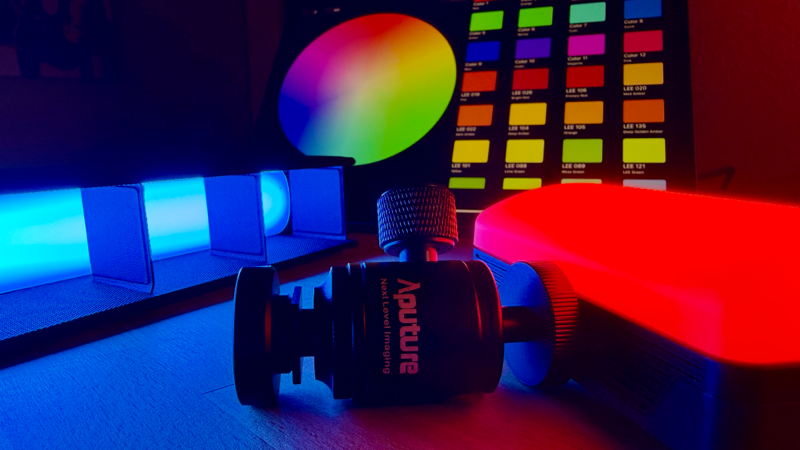
Without Additional CRMX Hardware
Unlock the full potential of the CRMX hardware already built into your Aputure fixtures.
What This Live Course Is Really About
Many Aputure fixtures include a LumenRadio TimoTwo chip, providing CRMX and Bluetooth connectivity.
What’s less obvious:
These chips are capable of acting as CRMX transmitters or receivers.
In practice, however, most Aputure fixtures expose only limited user interfaces for CRMX networking.
As a result, many users assume that additional CRMX transmitters are required to run multi-fixture setups.
This course shows you a different approach.
Format: Live online training
Includes: Q&A and hands-on walkthroughs
What You Will Learn
By the end of the course, you will be able to:
- understand how CRMX works in multi-fixture environments
- build a stable CRMX network with multiple Aputure fixtures
- connect StageLight to the CRMX transmitter fixture
- set up, manage, and reliably recall lighting scenes
This is a technical workflow course, not a lighting theory class.
Why StageLight Fits This Workflow
StageLight connects to CRMX transmitters via Bluetooth using the LumenRadio API (open specification).
This allows StageLight to:
- act as a lighting control surface
- manage scenes and states
- stay independent of proprietary ecosystems
StageLight doesn’t replace CRMX infrastructure —
it leverages what is already there.
Who This Course Is For
This course is ideal if you:
- use Aputure fixtures with built-in CRMX
- want to control multiple fixtures via CRMX
- prefer open standards over proprietary lock-in
- want a clean, reproducible studio workflow
Basic DMX knowledge is helpful but not required.
What This Course Is Not
To set expectations clearly, this course is not:
- a lighting design or cinematography course
- a basic StageLight introduction
- a manufacturer-specific marketing tutorial
The focus is on CRMX networking and practical control workflows.
Included: Academic License (Zero Risk)
🎓 45 days of StageLight Ultimate
(instead of the standard 14-day trial)
Enough time to:
- follow the course
- test the workflow
- decide with confidence
If you’ve read this far, you’re clearly interested in how this actually works.
Take the logical next step and join the course to build a proper multi-fixture CRMX setup with StageLight.